Feedback
Give a shader a memory of its own last frame and it stops drawing pictures and starts growing them — trails, smoke, reaction-diffusion, and most things that look alive.
Every shader on this site is, by default, amnesiac. It is handed a time value and a pixel coordinate and must produce a colour with no knowledge of what it drew a sixtieth of a second ago. That is a real constraint: the image has to be a pure function of time, so anything that should accumulate — a trail, a burn-in, a slowly spreading stain — cannot be expressed at all.
Feedback removes the constraint. You render into an offscreen buffer, mark it persistent so it survives into the next frame, and on that next frame you read it back as a texture. The shader can now see its own past.
The simplest thing to do with that is a decaying trail: read the previous frame, multiply it by something slightly under one, draw a bright dot on top, write the result back. The dot leaves a tail that fades over a few dozen frames. Multiply by 0.90 and it is a short smear; by 0.99 and it hangs in the air for seconds.
The move that turns this from a smear into a world is sampling the previous frame at slightly the wrong coordinate. Read it a fraction zoomed in and everything you drew drifts outward, so a stationary dot becomes a tunnel. Read it rotated and the whole history spirals. Displace it by a noise field and you get smoke. The buffer is not just storage — it is a substrate you can push around, and the shape of that push is the entire look.
One practical consequence, because it bites: a feedback shader advances its state once per draw, not per unit of time. It has no idea how many seconds passed. So the same shader recorded at 30fps evolves at exactly half the speed it does at 60fps, even though every other shader here is a continuous function of TIME and does not care what frame rate you render it at.
"PASSES": [
  { "TARGET": "ink", "PERSISTENT": true, "FLOAT": true },
  { "TARGET": "echoes", "PERSISTENT": true, "FLOAT": true },
PERSISTENT is the feature: the target keeps its contents between frames instead of being cleared, so pass 0 can read what pass 0 wrote last frame. FLOAT matters more than it looks — an 8-bit target quantises on every write, and a value multiplied by 0.974 a few hundred times needs the headroom or the trail stair-steps and dies early.
vec2 previous = IMG_NORM_PIXEL(ink, uv - flow * (0.00135 + energy * 0.00075)).rg;Reading the previous frame at a SHIFTED uv is what turns a memory buffer into motion. Each frame the field is resampled a fraction of a pixel along flow, so a single injected dot smears into a streak that follows the field. Sample at the same uv instead and you get decay with no movement at all.
vec2 state = previous * decay + injection * energy * vec2(0.145, 0.13);Keep most of what was there, add a little of what is new. decay is exposed as a slider bounded at 0.9 to 0.999, and that range is the interesting part: the useful values live very close to 1.0. At the 0.974 default a trail is at half brightness after about 26 frames; at 0.999 it takes roughly 700. The gap between those two numbers is the difference between a smear and a permanent scar.
29 shaders using this
most-seen first · all CC0, take any of it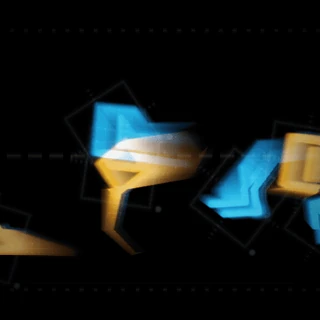 Signal ID
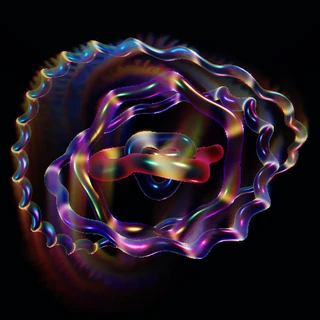 Armillary Wake
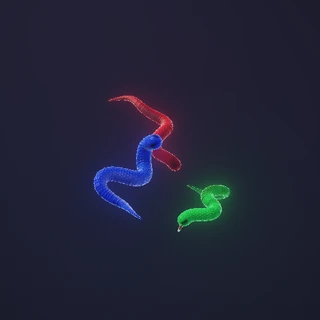 RGB Serpents
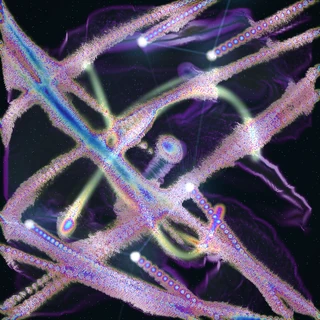 Alchemic Constellation
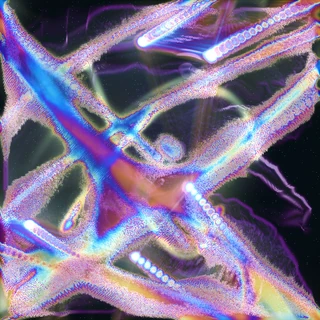 Constellation Weave
 Ribbon Weather
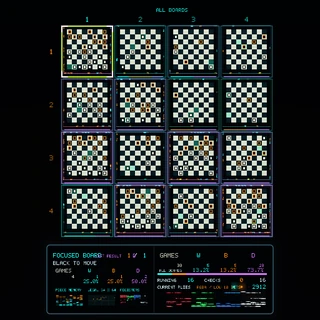 chessgridfinal
 Glass Orrery
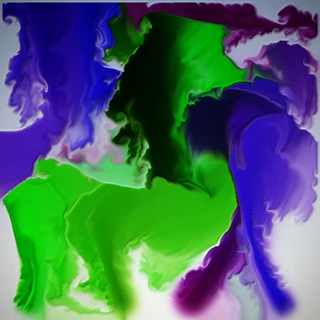 Stable Fluids
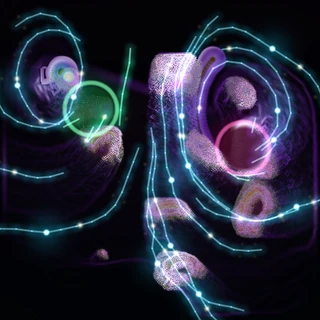 Antipodal Nervous System
 Chrome Current: Prism Vortex
 Catalyst Tide: Spectral Orbit
 Streamer V
 Vein Atlas
 Catalyst Tide
 Third Millennium Ordnance
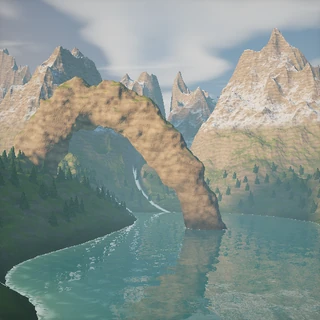 The Tidal Cathedral
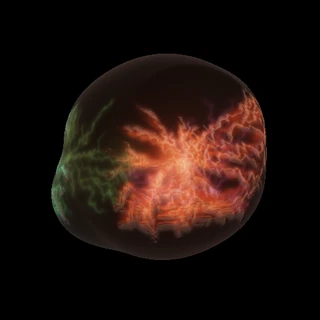 Organ
Organ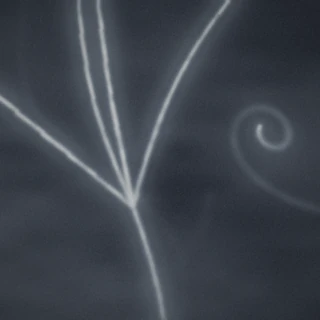 Cloud Chamber
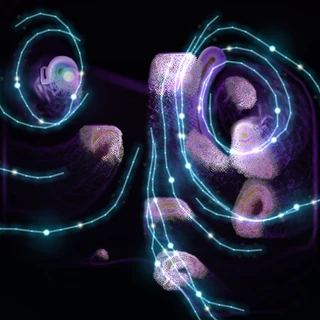 Soft Asterism
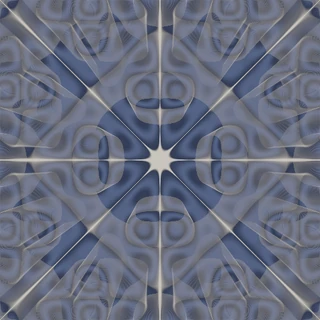 Chladni Sand Plate
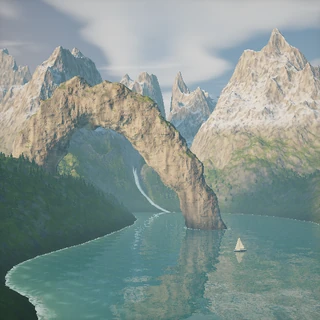 The Tidal Cathedral II
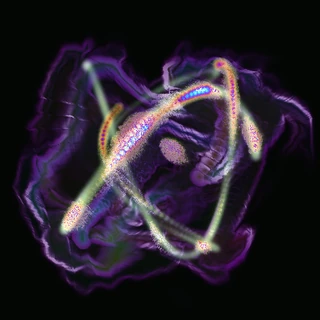 Alchemic Current
 Vigil
Vigil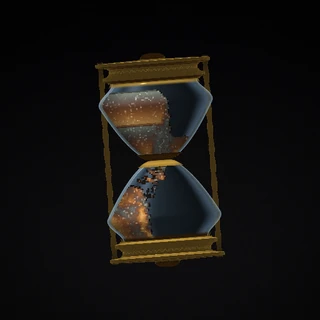 Vanitas
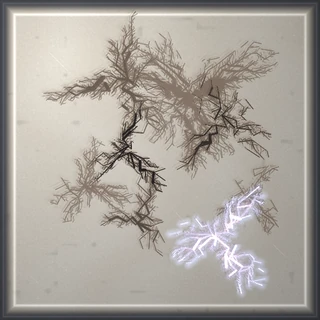 Strike
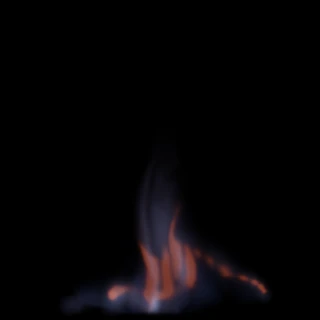 Blue Ember Smoke: Long Exposure
 Blue Ember Smoke
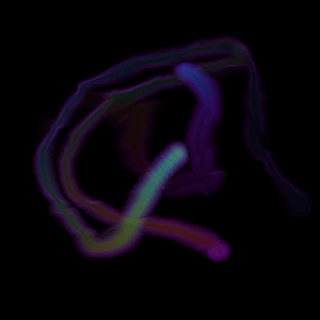 Chrome Current