Thin-film interference
Why soap bubbles and oil slicks have colour when neither the soap nor the oil is coloured — and how to get the same effect from three cosines and a viewing angle.
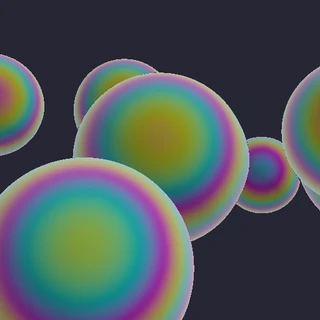
Hold a soap bubble up to the light and it is not soap-coloured. It is magenta at one angle, gold at another, and the bands slide as you tilt it. Nothing in the film is pigmented. The colour is made by the geometry of the film itself.
Light hitting a thin transparent layer partly reflects off the front surface and partly off the back. The second reflection has travelled further — twice the film thickness, adjusted for the angle it entered at. When the two recombine they interfere: if the extra distance happens to be a whole number of wavelengths they reinforce each other, and if it is half a wavelength they cancel.
Here is the part that makes it colourful. That extra distance is a fixed length, but a wavelength is not — red light is roughly twice the wavelength of violet. So a thickness that perfectly reinforces red will do something else entirely to blue. Every thickness produces a different mix of surviving wavelengths, and that mix is the colour you see.
In a shader this collapses to something remarkably small. Work out the extra path length from thickness and viewing angle, then evaluate a cosine at three different rates — one per channel, standing in for three wavelengths. The per-channel offset is not a stylistic choice; it is the physics.
It is worth separating this from the cosine palette it resembles. A cosine palette maps some arbitrary scalar to a pretty gradient, and about 62% of the shaders in this corpus use one. Thin film is the same machinery pointed at something specific: the phase has to come from a thickness and a view angle. That is why the colour tracks the geometry and sweeps around the rim as the surface curves away from you, instead of just being a nice gradient.
// thin-film iridescence keyed to the viewing angle and the slope
float film = pow(1.0 - max(dot(N, V), 0.0), 2.2) + N.x * 0.5 + N.z * 0.5;
vec3 irid = 0.5 + 0.5 * cos(TAU * (vec3(0.0, 0.33, 0.67) + film * 2.6 + t * 0.06 + hu));
The whole effect is two ideas on one line. pow(1.0 - dot(N, V), 2.2) is a Fresnel-ish grazing term: near zero where the surface faces you, near one at the silhouette. Feed that into a cosine and offset each channel by a third of a cycle — vec3(0.0, 0.33, 0.67) — and red, green and blue peak at different angles. That is what a soap film physically does as the light path through it lengthens.
float fres = pow(1.0 - max(dot(n, -rd), 0.0), 3.4);
vec3 sheenHue = 0.5 + 0.5*cos(TAU*(vec3(0.00, 0.33, 0.67) + fres*1.35 + arc*0.9));
vec3 sheen = mix(mix(base, vec3(0.55, 0.72, 1.00), fres*0.45), sheenHue, 0.33*gloss);
Worth seeing twice. Same structure, different animal: fres here uses -rd rather than a separate view vector, because in a raymarcher the ray direction IS the view direction. Once you recognise 0.5 + 0.5*cos(TAU*(vec3(0.0, 0.33, 0.67) + x)) you will start finding it in most of the iridescent shaders here — a cosine palette with its phase driven by viewing angle instead of by position.
28 shaders using this
most-seen first · all CC0, take any of it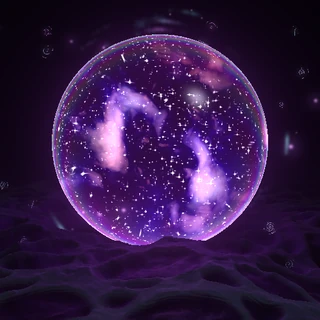 Ponder Orb
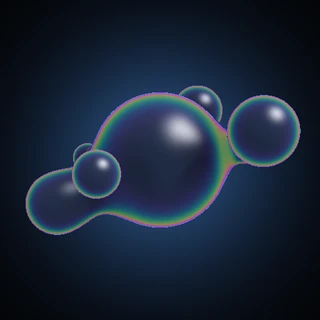 Orbiting Prism Cluster
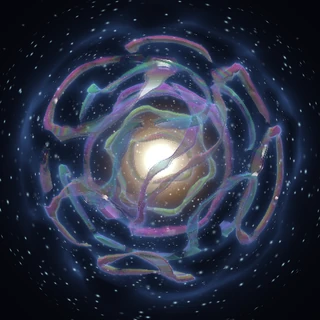 Reliquary
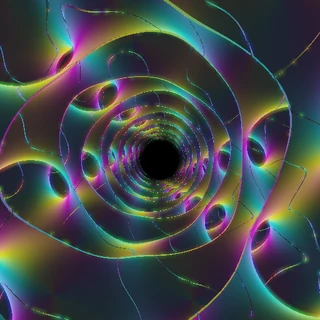 Gyroid Vibes
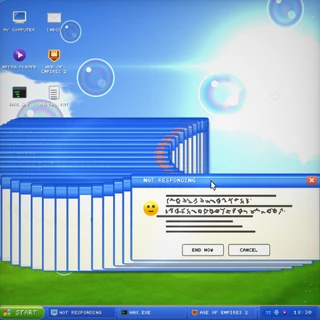 Not Responding
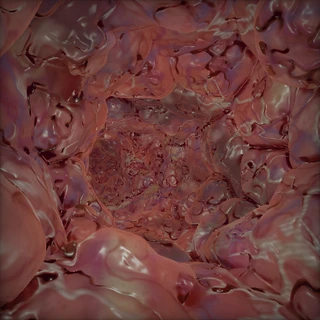 Meat Hole
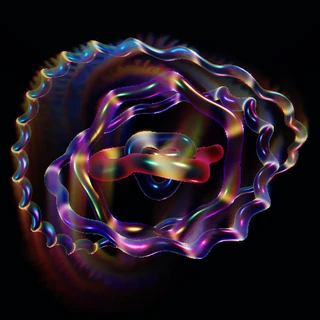 Armillary Wake
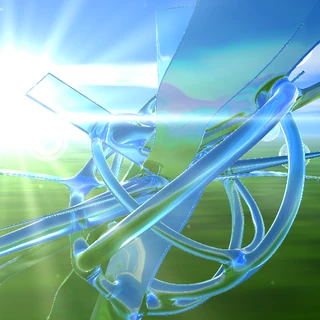 Aero
Aero Fih
Fih Apollonian Rapture
 Loom of Light
 CHRONOFOLD — Second Movement
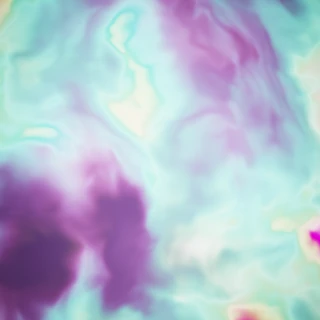 Liquid Aurora
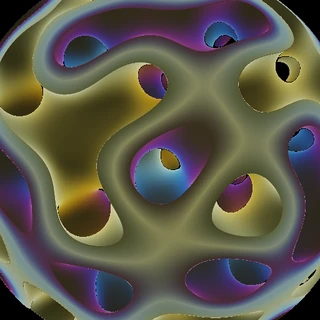 Neon Gyroid Orb
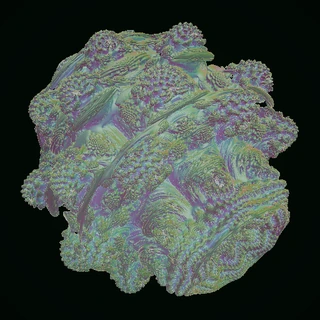 Nacre Bulb
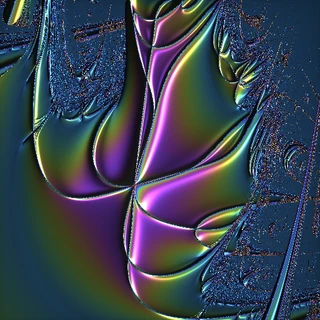 Metallurgy
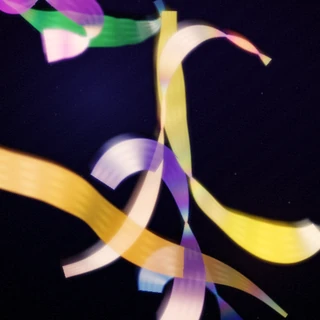 Streamer V
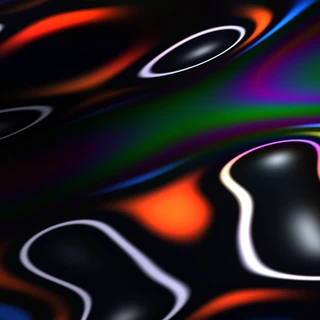 Mercury Oil Bloom
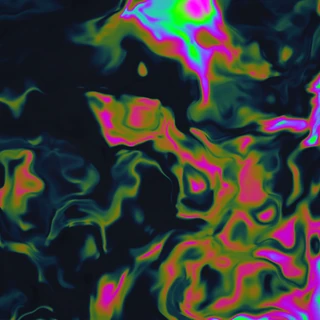 Petrol
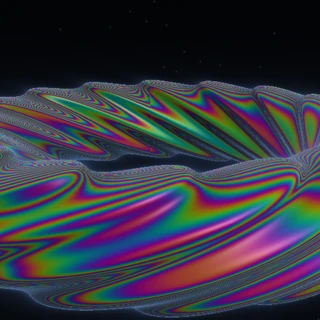 Aurora Torus
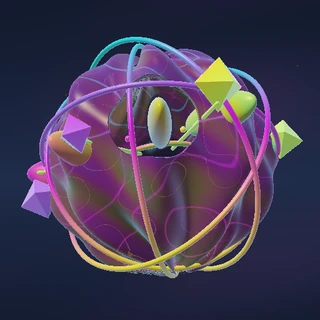 Tidal Reliquary
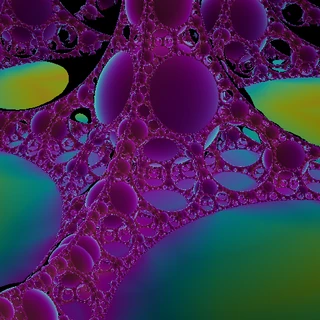 Iridescent Apollonian Foam
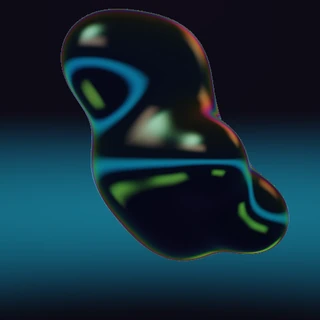 Chrome Dreams
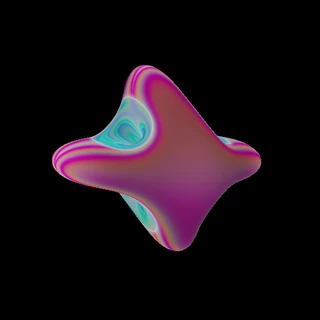 Orbital
 Iridescent Gem Cluster
 Fractured Geode: Soft Asterism
 Amethyst
 Computah